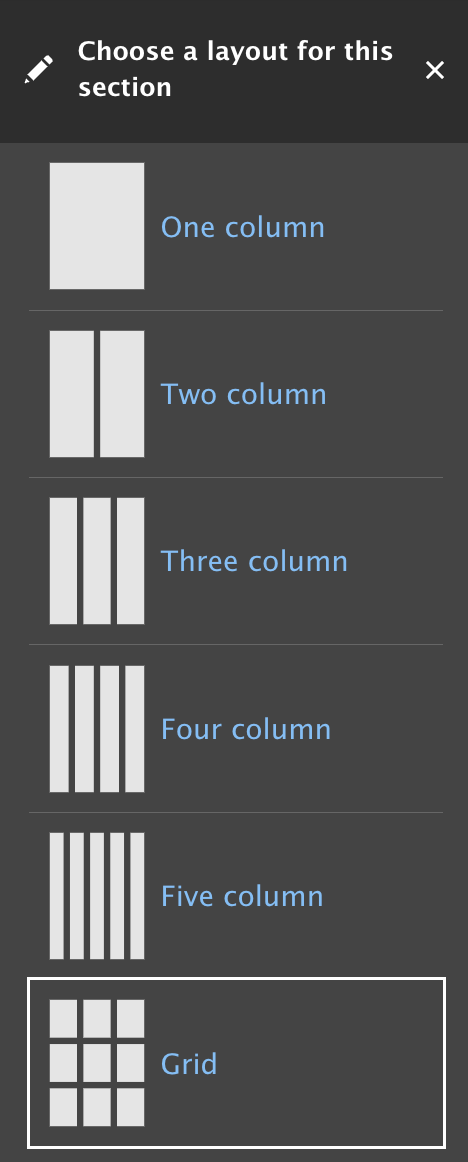
Grid Section
About the Grid Section in Layout Builder
The Grid section lets you place one block per cell, maintaining a clean, structured layout. It also automatically adjusts block height within each row to keep content visually aligned.
How do I....
What is a Grid section?
- A grid system allows Content Editors to arrange blocks, organizing and aligning the content.
How do I add a grid section?
- In layout builder, add a section
-

- A tray slides in from the right displaying options, select Grid
- Select 2 column grid, 3 column grid or 4 column grid option. This can be changed.
-
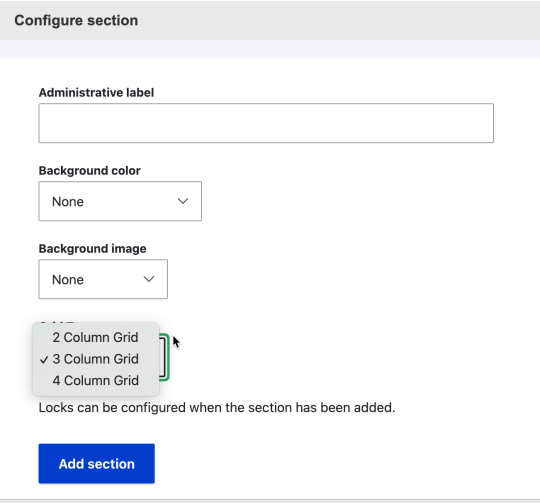
- Add Section