


Video Hero
Video Hero is a layout builder block that will place a video in the Hero section of a Page.
Note: This block is only available in the Hero section (not other regions).
How to Add a Video Hero Block
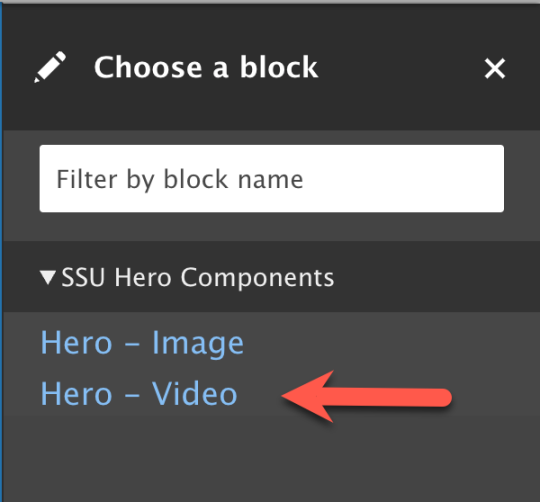
- In the Hero section, click Add Block (or Configure an existing block).
- In the block tray that slides in, select Video Hero.
- Fill in the fields
- Title (Display title optional, uncheck to hide title)
- Poster Image
- Image shows if the visitor has video playback disabled.
- Video - upload one file.
- Recommended: 1920x1080 resolution (16:9 aspect ratio)
- Limit: 256 MB
- Must have a unique filename (video is stored on Cloudflare). Duplicate filenames will cause an error.
- Heading (optional)
- Content (optional)
- Button (optional)
- Add Block
- Save Layout
